Plan Tracing
Load plans, calibrate the scale and trace walls directly on screen.
Professional masonry takeoff, built for bricklayers. Measure from building plans, calculate brick and block quantities, account for openings, cavities and pikes, and produce professional takeoff reports — all from your phone.
See the workflow in the app — from tracing the plan to live quantities and a finished report.
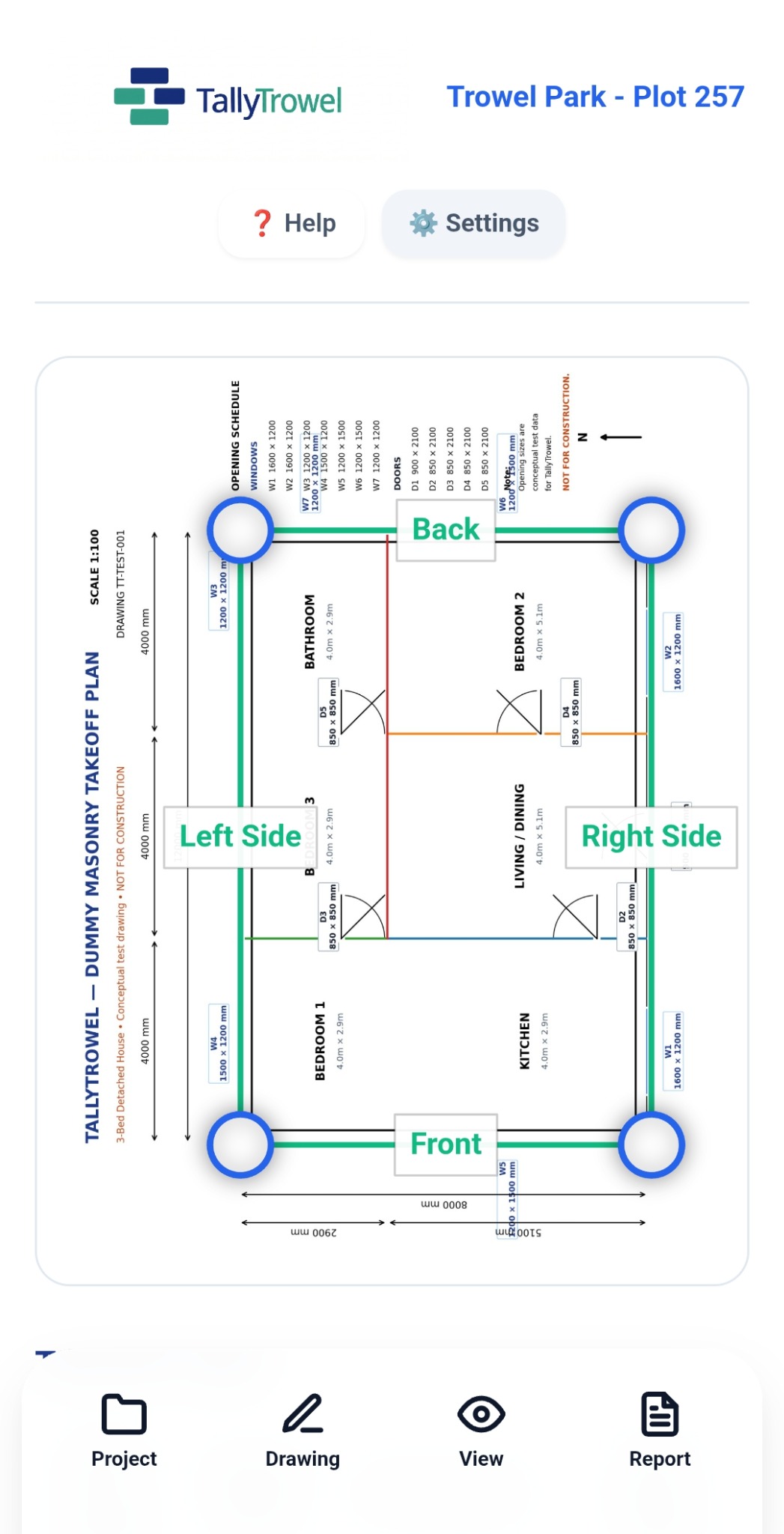
Load a building plan, calibrate it using a known dimension and trace the walls directly on screen. TallyTrowel turns those measurements into a live masonry takeoff.
Real screens from the TallyTrowel app — not stock images or mock-ups.
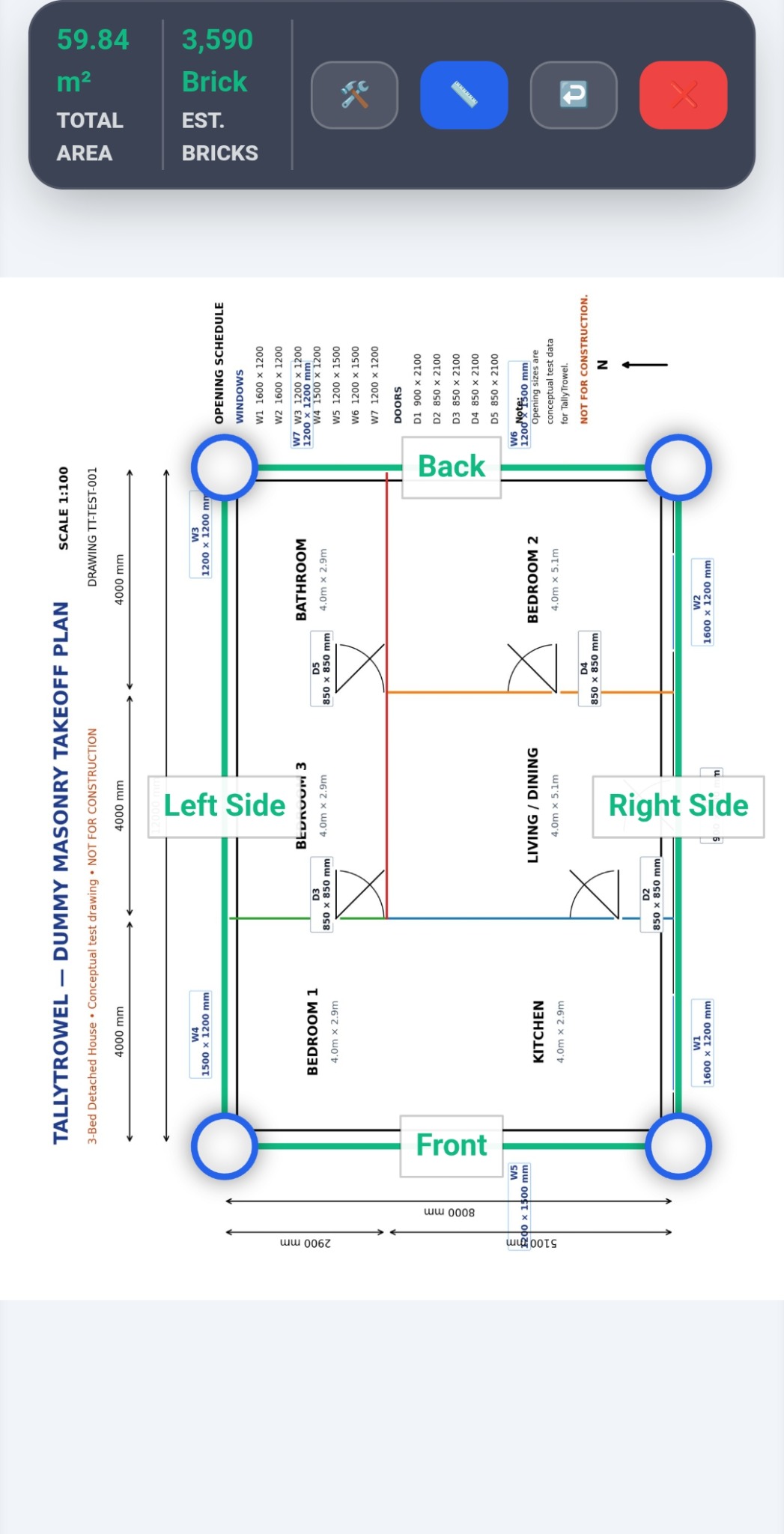
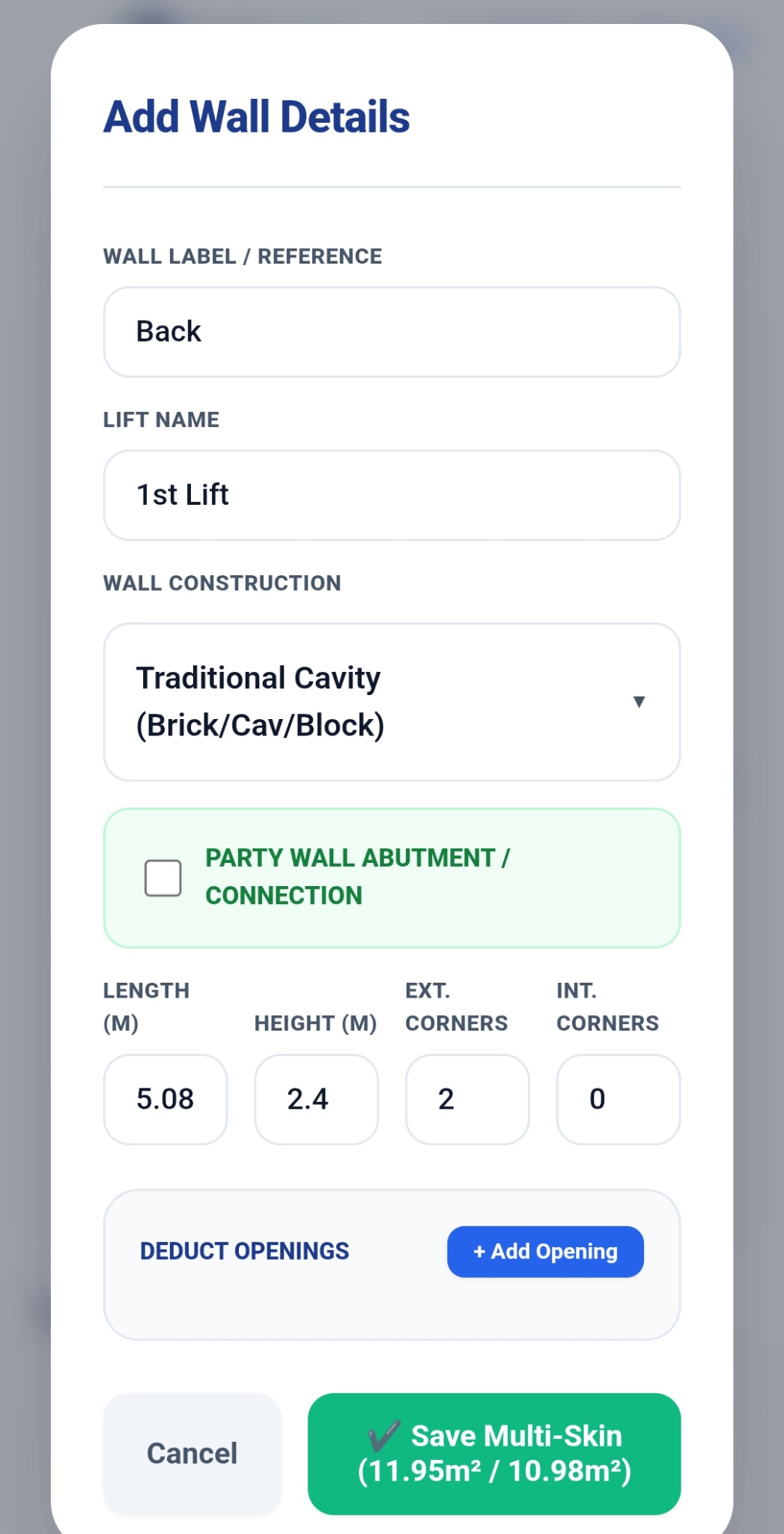
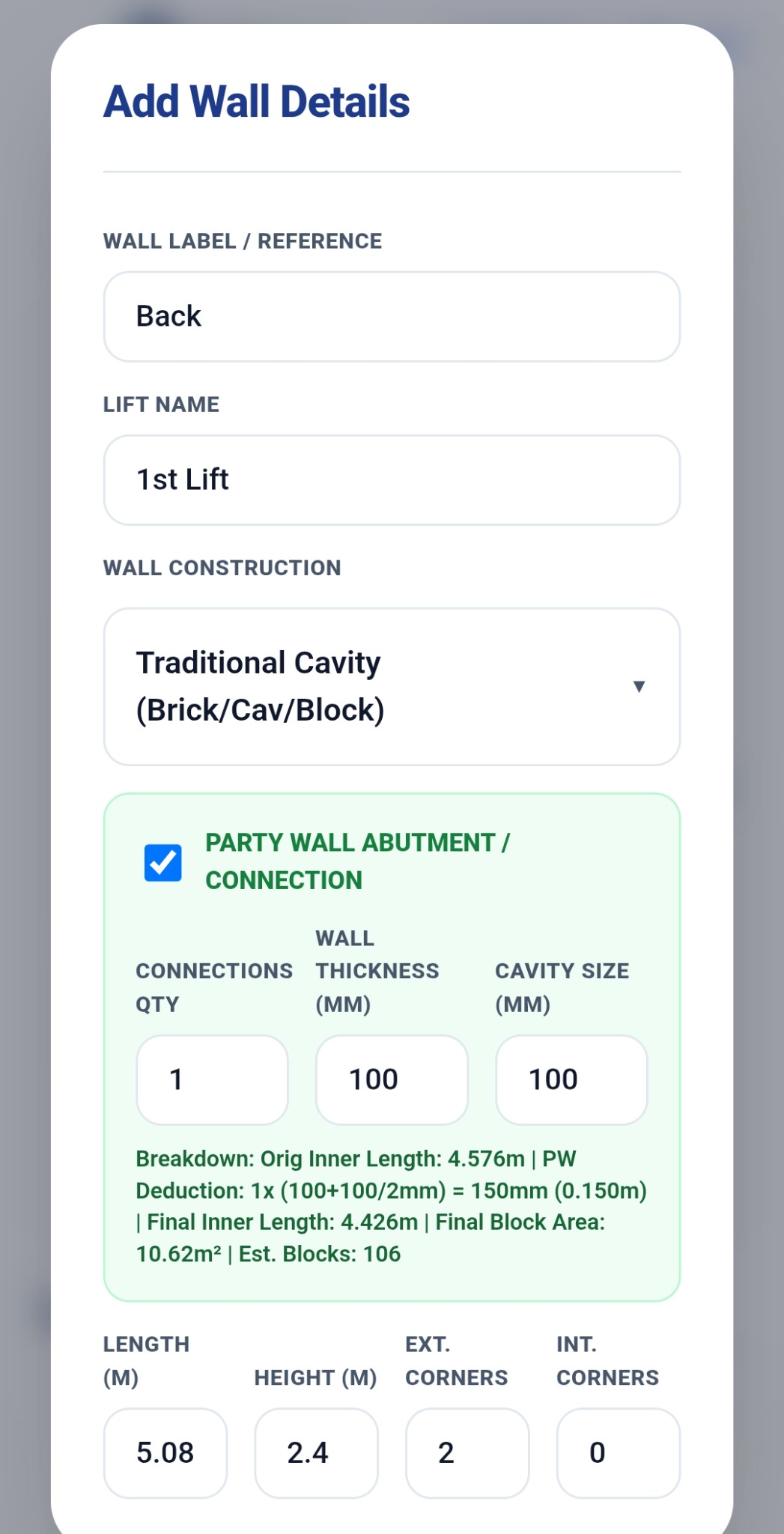
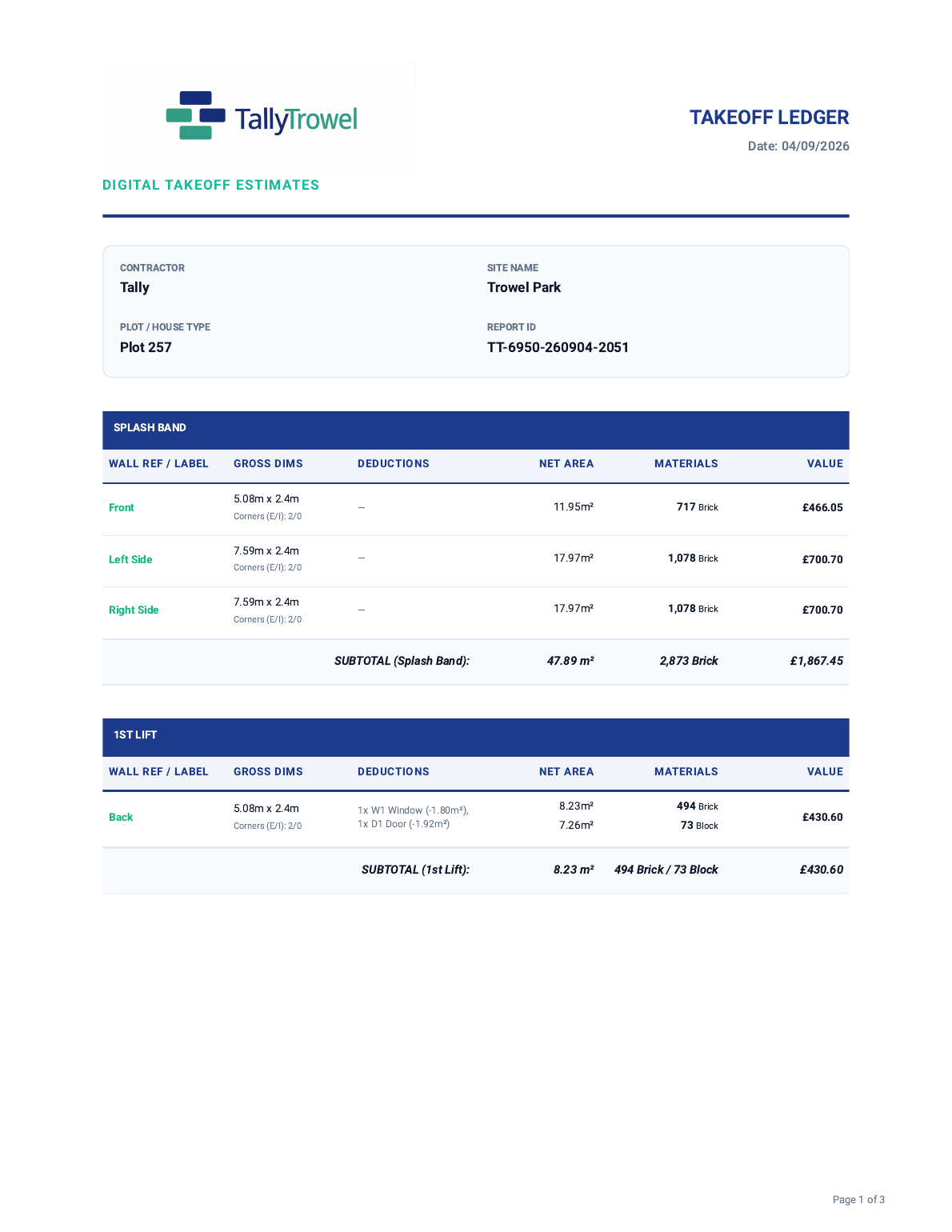
Your completed takeoff can be turned into a clear PDF report with project details, wall breakdowns, deductions, quantities, values and project totals.
Focused tools for the measurements and calculations that matter.
Load plans, calibrate the scale and trace walls directly on screen.
Calculate masonry quantities for brickwork and blockwork from your measured walls.
Calculate separate brick and block leaves, including party-wall connections.
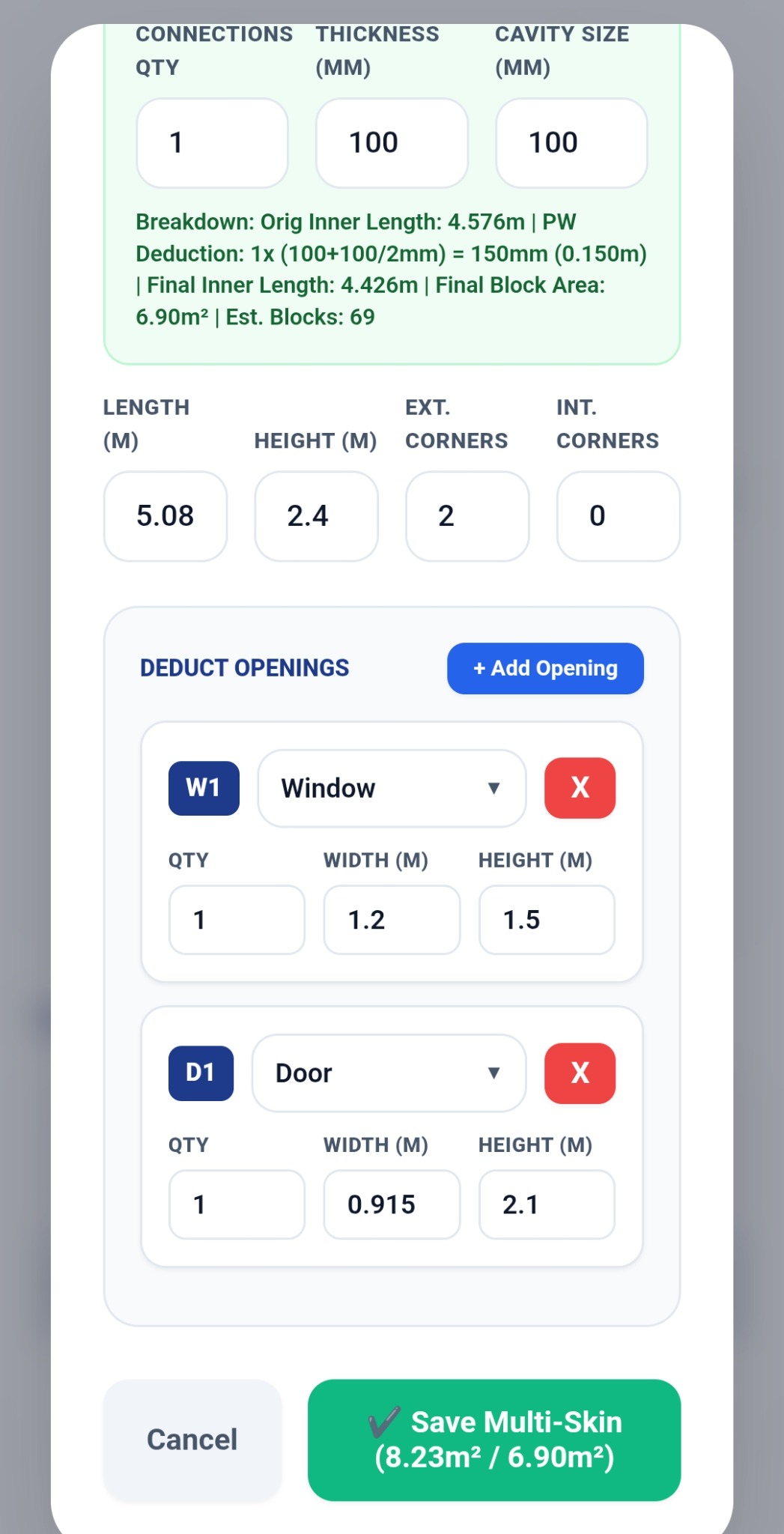
Add windows, doors and other openings and deduct their areas automatically.
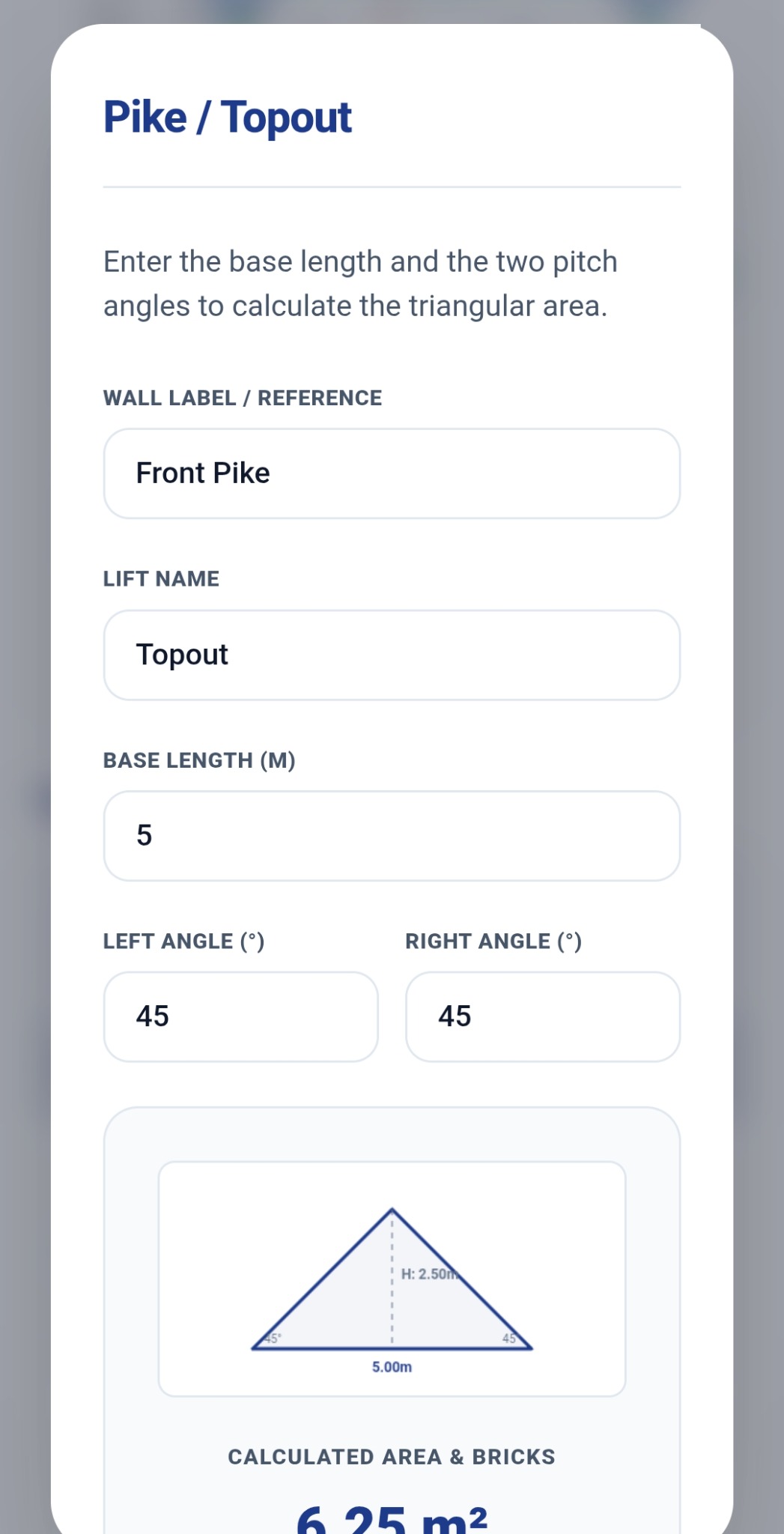
Calculate gable and pike areas using pitch and base measurements.
Review walls, deductions, areas, quantities and estimates in one place.
Turn your completed takeoff into a professional report you can save and share.
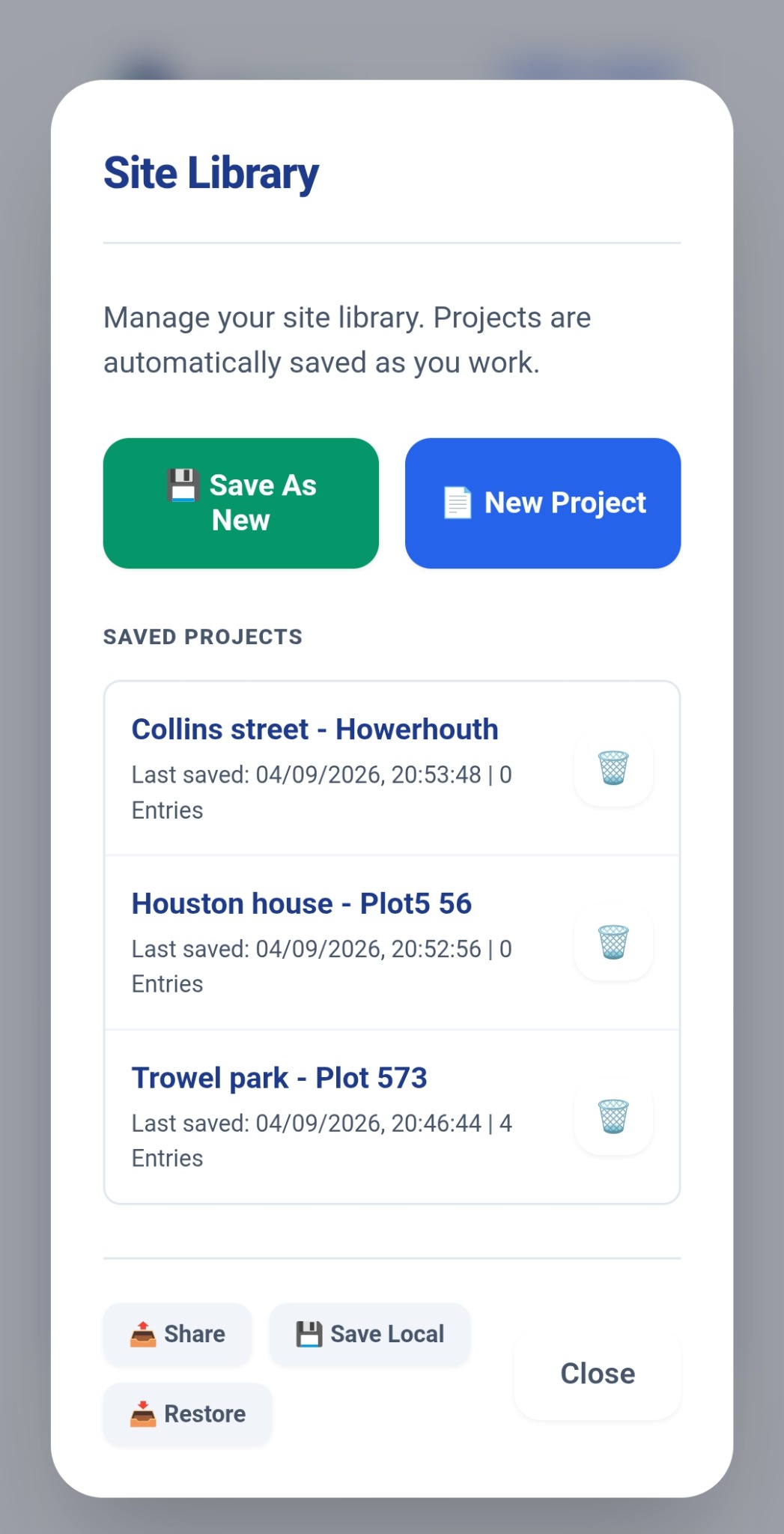
Keep multiple projects and plots organised on your device.
Designed to keep the workflow quick and easy to follow.
Bring your building plan into TallyTrowel.
Use a known dimension so your measurements are tied to the real building.
Trace walls, add openings and calculate your masonry quantities.
Review the Takeoff Ledger and produce your professional PDF report.
I built TallyTrowel because I wanted a quicker and easier way to work out masonry quantities from building plans.
Measuring walls, counting bricks and blocks, allowing for openings and then checking everything again takes time — and sometimes you're left wondering whether you've actually counted everything correctly.
I wanted something that could make that process quicker, clearer and easier to check without making it complicated. So I started building TallyTrowel.
Built by a bricklayer, for the people who actually do the work.
Work out masonry quantities quickly from building plans.
Prepare clearer takeoffs and estimates for your projects.
Review measurements, deductions and calculations in one place.
Keep plots and project takeoffs organised on your device.
TallyTrowel is designed around local-first project storage. Your plans, drawings and project calculations are stored locally on your device rather than uploaded to TallyTrowel servers.
TallyTrowel V1 brings the core masonry takeoff workflow together in one app.
TallyTrowel V1 is focused on the core masonry takeoff workflow. Future versions can build on that foundation.
TallyTrowel is a masonry takeoff and estimation app designed to help bricklayers and construction professionals measure building plans and calculate masonry quantities.
It is designed primarily for bricklayers, contractors, estimators, quantity surveyors and housebuilders who need to work out masonry quantities from plans.
Yes. V1 supports Traditional Cavity construction, including separate brick and block leaves and party-wall connections.
Yes. Add windows, doors and other openings and TallyTrowel deducts their measured areas from the relevant wall calculations.
Yes. TallyTrowel includes a pike calculator for gable areas using pitch and base measurements.
TallyTrowel uses local-first project storage. Your project information, drawings and calculations are stored locally on your device. Manual backup and restore is also available.
Yes. Completed takeoffs can be turned into professional PDF reports that can be saved or shared.
TallyTrowel is being developed for Android. Availability and download details will be provided when the release is ready.
Join the TallyTrowel early-access list and be among the first to try the app as the beta opens.
Get Early Access